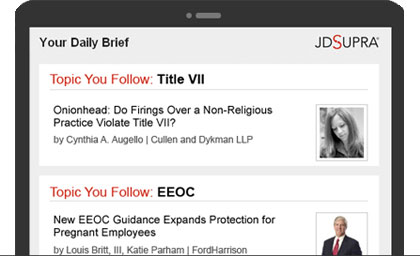
Every legal marketer I’ve ever met agrees that website usability is paramount. Yet, nearly all law firm websites are afflicted with the same usability problem – the Ping-Pong Effect.
What’s the Ping-Pong Effect?
It’s the stomach-churning feeling you get after being bounced around a law firm website – like a ping-pong ball – in search of relevant content. For example, if you are on an attorney’s bio and want to read an article she wrote, you are sent to the firm’s “Publications” section for the full text. And if you want to watch a video, you are sent to the “multimedia” section. Good luck getting back.
The Ping-Pong Effect can be very confusing for website visitors – and studies show that when website visitors become frustrated, they leave. And here’s the kicker: the Ping-Pong Effect is becoming more acute as attorneys create more thought leadership content (as is the trend) and websites grow in size.
What’s the solution?
It’s simple: let people view an attorney’s articles, videos and case studies within that attorney’s bio section. My company built this feature into our Rainmaker-Focused Website technology platform. (I have no idea why the rest of the world hasn’t done something similar. If you have any thoughts, please leave us a comment.)
An example
Perhaps some people just don’t understand the problem – so, I have decided to illustrate the Ping-Pong Effect below. The screen captures below came from a law firm website with profound ping-pong issues (three bounces from bio to article). However, practically every law firm website suffers from the same problem.
Please see full publication below for more information.